
Every product listing needs the same set of assets: a clean hero shot, a few angles, a lifestyle scene, a short video for TikTok or Reels, and copy for the title and bullet points. Shooting and editing all of that for every new product takes days. An AI product video generator compresses it into one step: you upload a photo of the product, and you get the whole set back.
This guide explains what Unicorn Router's Product Video tool produces from a single photo, how to set it up, and what to check before you publish.
What you get from one photo
One run creates a complete bundle:
- Six product images, each with a different job:
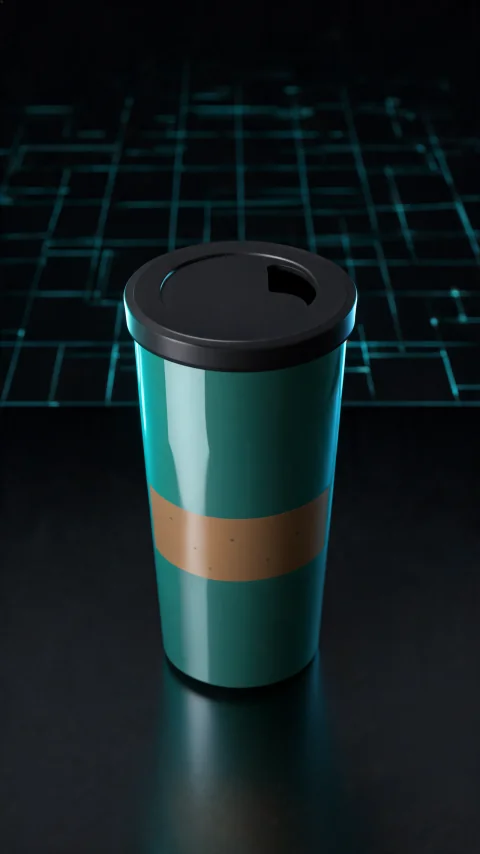
- front hero shot
- 45° side view
- detail close-up of one part of the product
- in-use shot with a person's hands
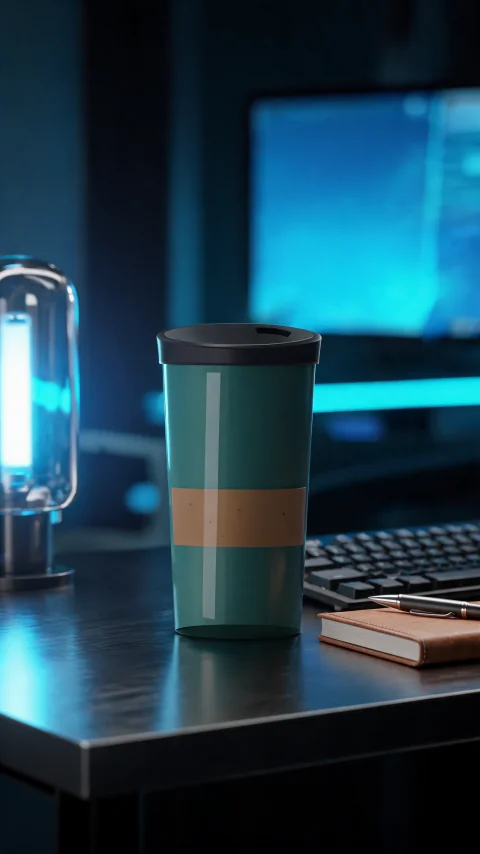
- styled arrangement
- top-down view
- Two short videos: a hero video and a lifestyle video. You choose the camera move for each: push-in, orbit or pan.
- Marketing copy: a marketplace-style title, five key features, a product description, a short TikTok script and hashtags. Choose English, or German, which also gives you an English version.
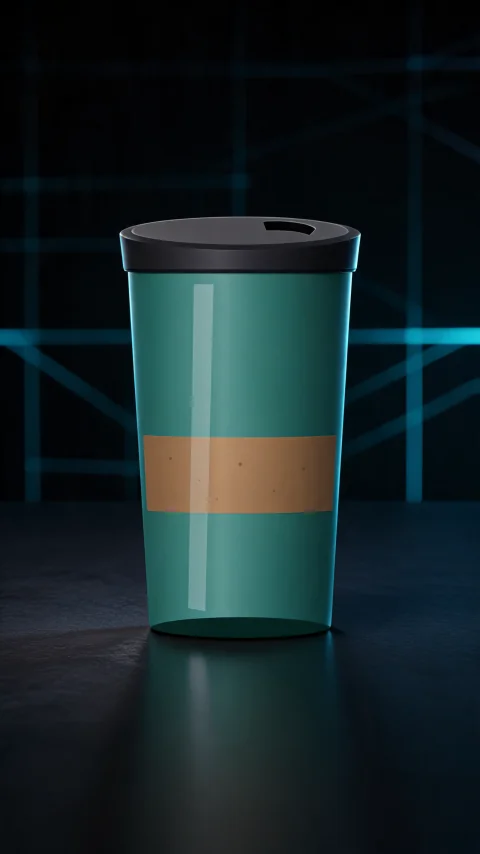
The product is cut out from your photo first, so every image and video starts from a clean version of the real item rather than a reinvented one. If the cut-out fails, you can continue with your original photo instead of starting over.
How to make a product video from a photo
- Upload one to four photos of the product (PNG, JPG or WebP, up to 25 MB each). One clear, well-lit photo on a plain background is enough. Extra photos help when the product looks different from other sides.
- Describe the product in a few lines. List the facts you want in the copy, such as material, size, capacity and care instructions. The copy sticks to the facts you give it and does not invent specs, so the more precise you are, the better the result.
- Pick a style.
- Tech Cool: dark, sleek and blue-lit, like a launch event.
- Cozy Living: warm home light and calm everyday scenes.
- Hot Deal: bold red and yellow with big-sale energy, made for promotions.
- Choose the video format.
- Aspect ratio: 9:16 for TikTok, Reels and Shorts; 1:1 for feeds; 16:9 for YouTube and product pages.
- Length: 8, 15 or 30 seconds.
- Resolution: 480p, 720p or 1080p (1080p is available on Pro Max).
- Check the price and generate. Before anything starts, you see a breakdown of the credits for each part of the bundle. A typical bundle finishes in about five to seven minutes, and you can leave the page while it runs.
Why one bundle beats one-off generations
You could generate each image and video separately with a general image or video model. A bundle is better for listings for three reasons:
- Consistency. All eight assets start from the same cut-out, so the product looks the same in every shot. That matters on a product page, where shoppers compare images side by side.
- Every shot has a purpose. The six image slots match what marketplaces and stores usually ask for: a hero image, angles, a detail, the product in use and a lifestyle scene.
- Fair billing. If one image or video fails, its credits are refunded, and you can retry just that item without paying for the rest again.
Tips for better results
- Shoot the product straight on, in even light. Hard shadows and busy backgrounds make the cut-out harder.
- Show the whole product. If part of it is cropped in your photo, the AI has to guess what that part looks like.
- Give facts, not adjectives. "Ceramic, 350 ml, keeps drinks hot for 6 hours, dishwasher safe" produces better copy than "premium, amazing quality".
- Pick the aspect ratio for where the video will run. A 9:16 video looks cramped on a 16:9 product page, and the reverse is just as bad.
- Review before you publish. AI images can get small details wrong, such as a lid or a seam that doesn't match the real product. Regenerate any shot that doesn't match, and give the copy a quick read before it goes live.
Downloading and using your assets
Each image, video and piece of copy can be downloaded on its own, or you can download the whole bundle as a ZIP. Bundles stay in your account for 30 days. Videos are MP4 files, ready to upload to TikTok, Instagram, YouTube Shorts or your own store.
Frequently asked questions
Do I need a studio photo?
No. A clear phone photo works. Plain backgrounds and even light give the best cut-out.
Which languages does the copy support?
English and German. If you choose German, you also get an English version.
How much does it cost?
It depends on the length, resolution and number of videos. You see the exact credit cost before you confirm, and failed items are refunded. See pricing for plans.
Can I use the results commercially?
Content created on the Pro Max plan carries a commercial license. Content created on the Free, Pro and pay-as-you-go plans is licensed for personal use. See pricing for plans. Either way, make sure you own the rights to the product photo you upload.
Try it
Upload a product photo on Product Video. You'll have images, videos and listing copy in a few minutes.