
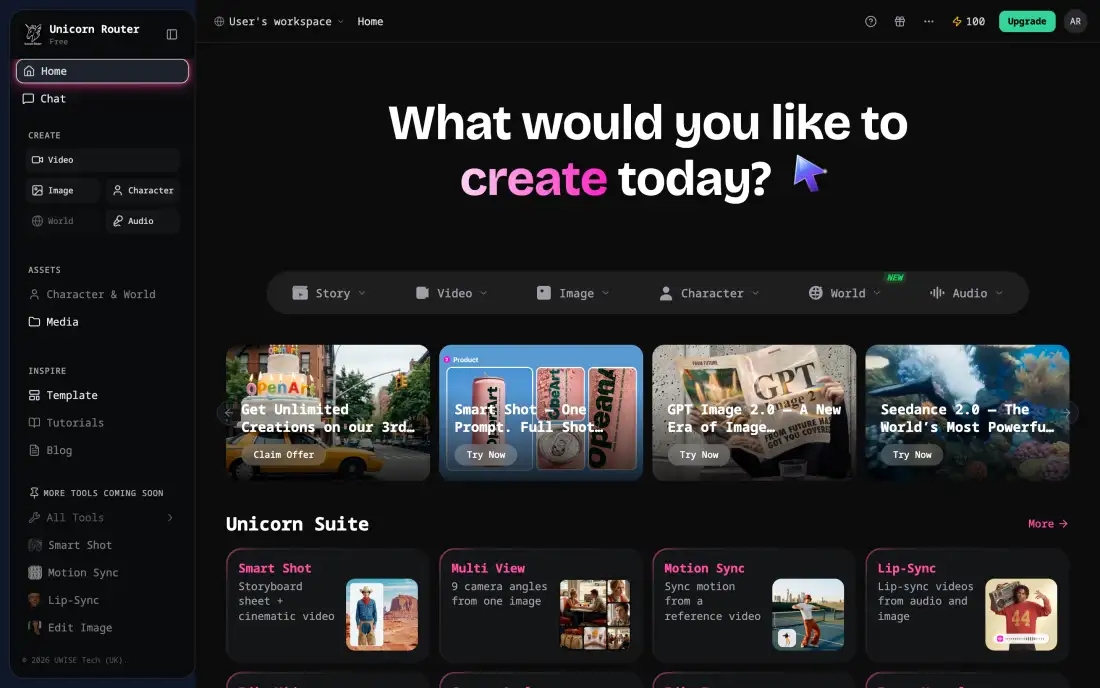
AI image generator
Create images with GPT Image 2, Seedream 5.0 Lite or Qwen2, with optional reference images.
Learn moreUnicorn Router is an AI video generator built on Seedance 2.0, Wan 2.7 and Kling 3.0 Motion Control. Turn a text prompt or a single image into an AI video clip, then add images, voice and music from the same workspace.
An AI video generator is a tool that turns a written prompt or a still image into a short video clip. Unicorn Router is an AI video generator that runs three AI video models in one workspace: Seedance 2.0, Wan 2.7 and Kling 3.0 Motion Control. Seedance 2.0 makes clips of 4 to 15 seconds, Wan 2.7 makes clips of 2 to 15 seconds, and Kling 3.0 Motion Control follows the length of the driving video. Resolution ranges from 480p to 1080p depending on the model, and 1080p is a Pro Max feature. The credit cost is shown before each generation, and every finished AI video clip is saved to your history for download. The free plan includes 100 credits every month for text and image generation. AI video generation needs Pro at $25 per month, Pro Max at $55 per month, or pay-as-you-go credits from $10.
Get started in 3 steps
Nothing to install. Sign up, pick a template or write a prompt, then choose the AI video model that fits your clip: Seedance 2.0, Wan 2.7 or Kling 3.0 Motion Control.
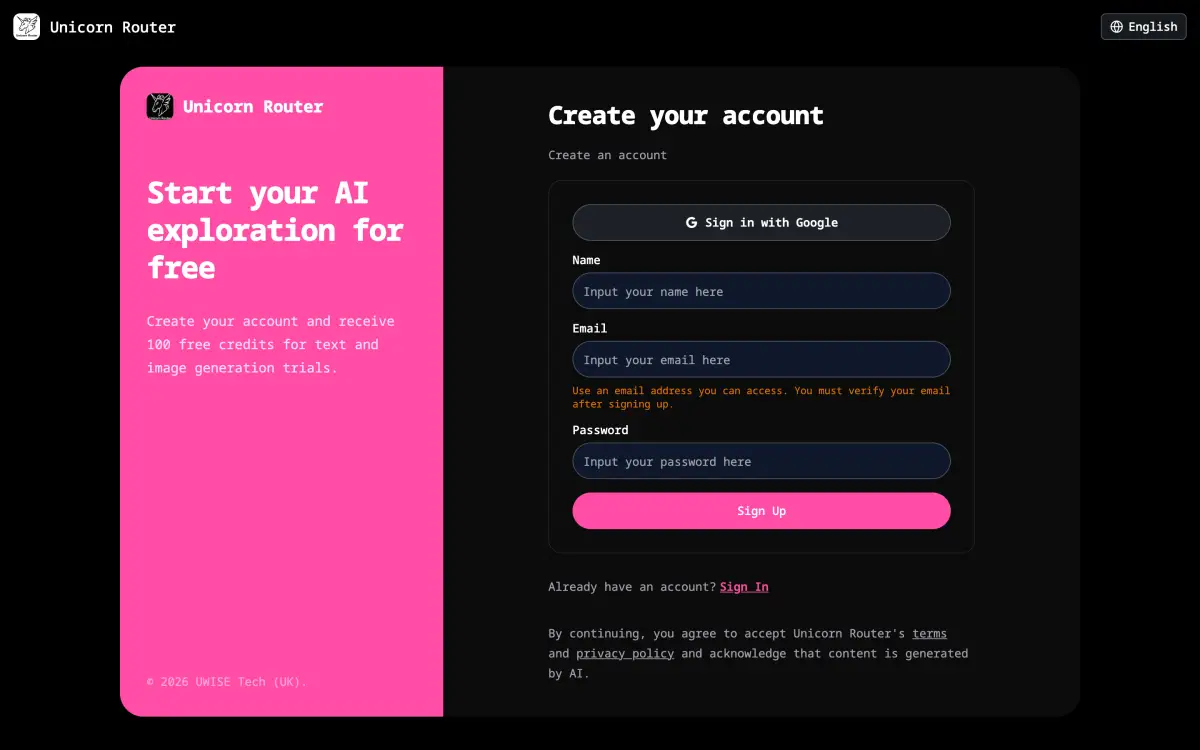
Create your account in seconds and get 100 free credits to try text and image generation. No credit card required.
Create free account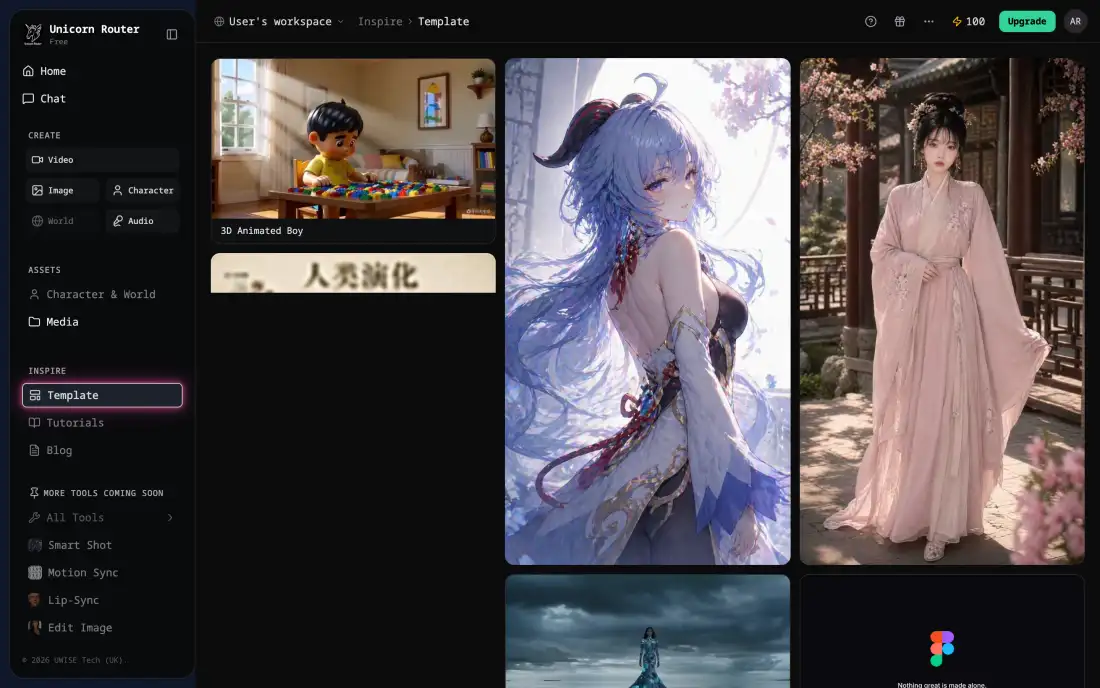
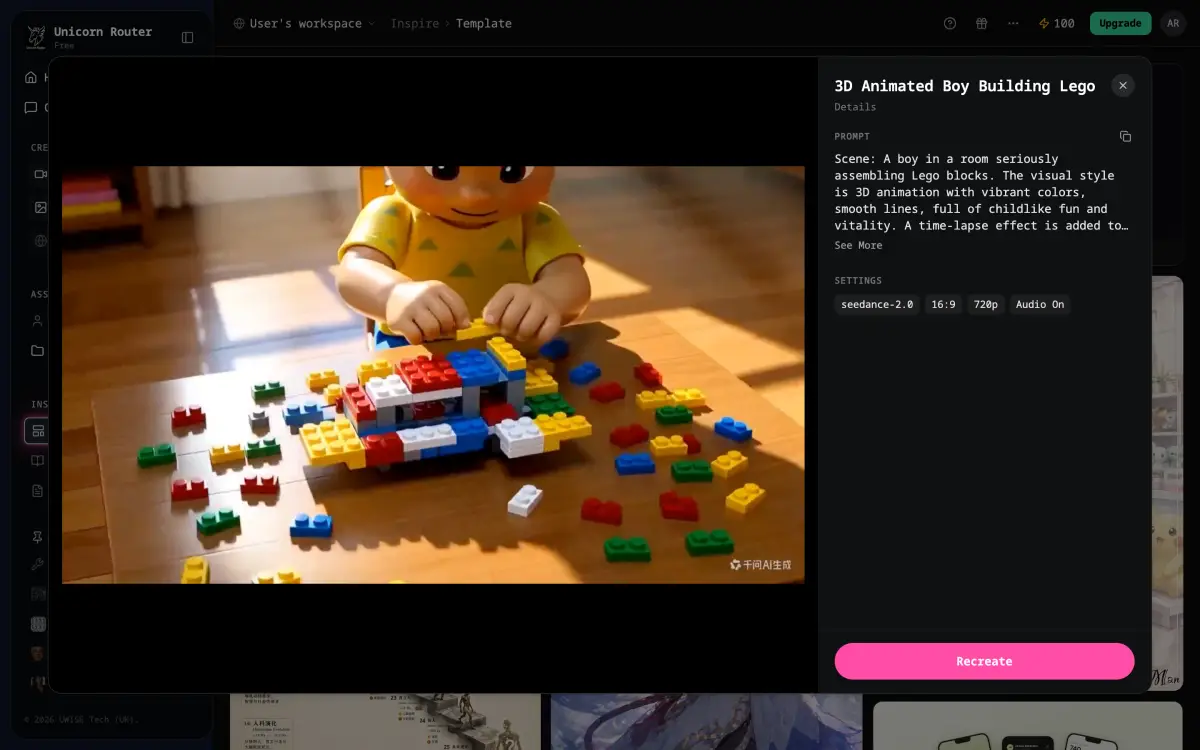
Browse prompt templates for AI video and images. Open one, preview it, then recreate it with your own idea.
Browse AI video templates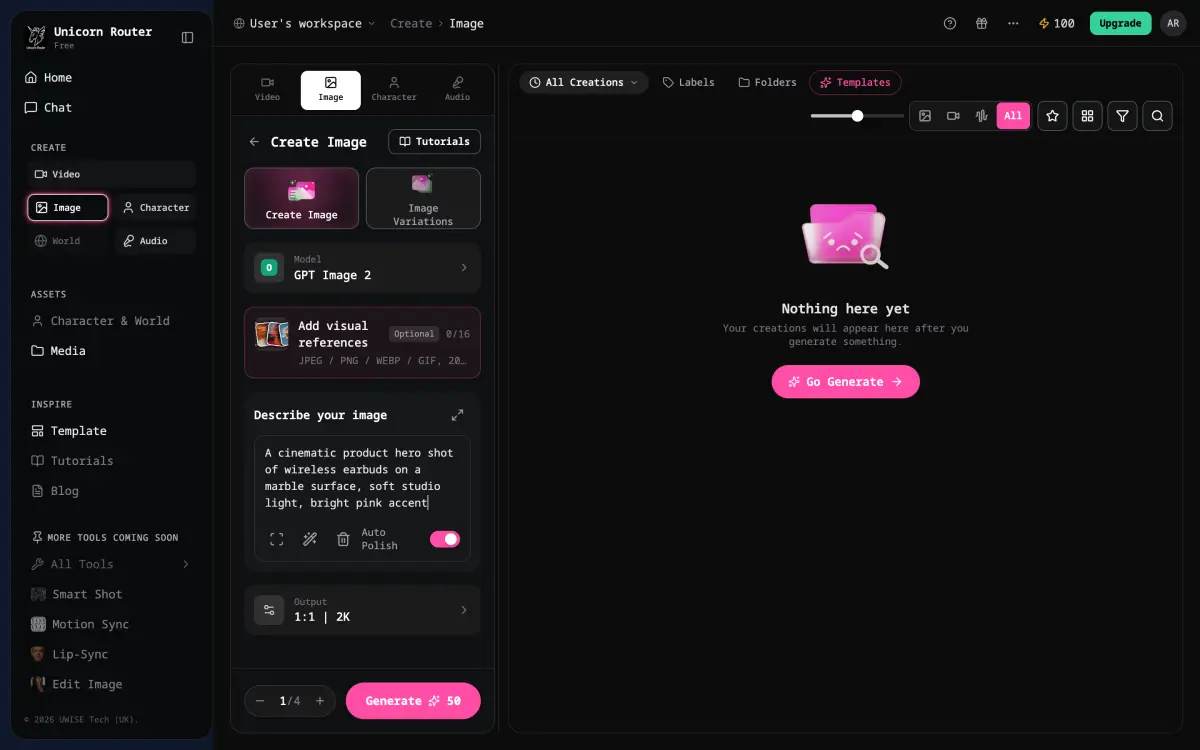
Describe the scene, choose a model and generate. The AI video generator makes clips of up to 15 seconds, and the credit cost is shown before you submit.
Create an AI videoAI video generator templates
Browse AI video templates and prompts, then recreate any of them in the workspace.
TRUSTED BY 50,000+ COMPANIES WORLDWIDE
One workspace, no tool switching
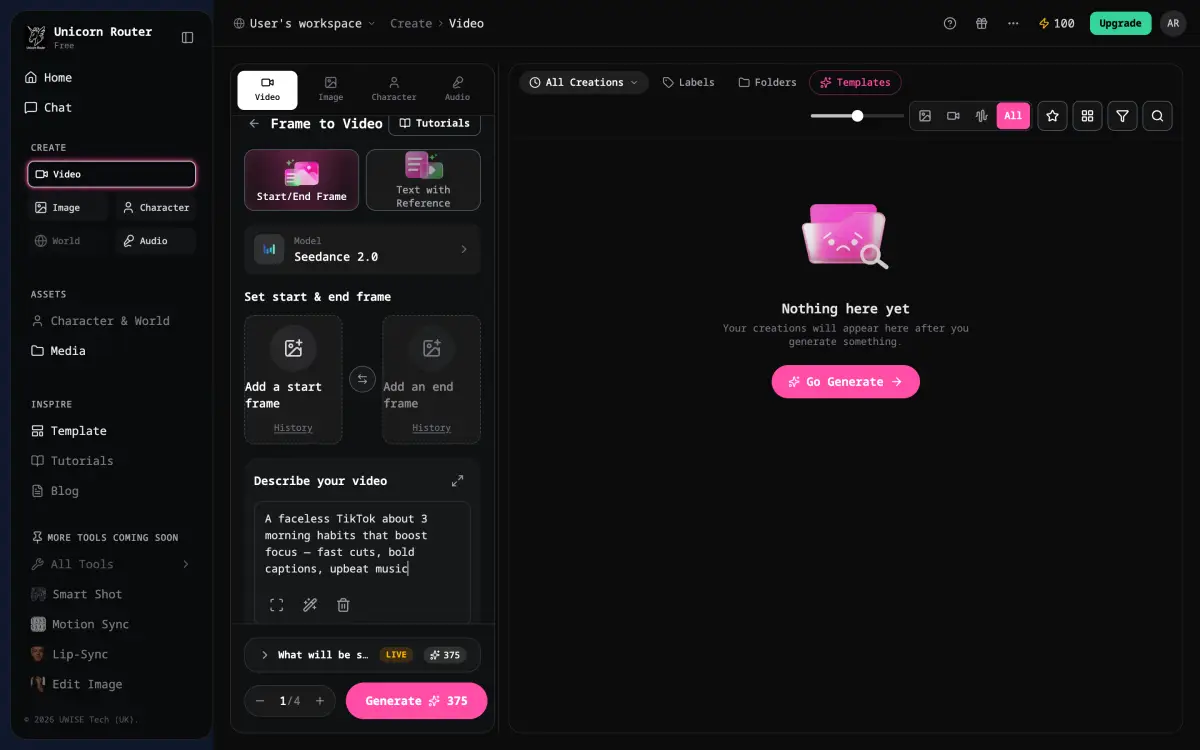
Write a prompt or upload a start frame and the AI video generator creates the clip with Seedance 2.0, Wan 2.7 or Kling 3.0 Motion Control. Clips run up to 15 seconds, and you see the credit cost before you generate.
Try the AI video generator freeGenerate narration for your AI video with Doubao TTS Pro, and see the credit cost for each request before you submit.
Start from AI video and image prompt templates instead of a blank page.
Upload a start frame and an optional end frame and the AI video generator animates the shot. Kling 3.0 Motion Control can move a character image with a reference video.
Write a prompt, pick the aspect ratio, resolution and length, and generate with Seedance 2.0 or Wan 2.7. Finished clips are saved to your history.
Start with the AI video generator, then open the tools below for pictures, narration and soundtracks.
Create images with GPT Image 2, Seedream 5.0 Lite or Qwen2, with optional reference images.
Learn moreAnimate a still image into an AI video with start and end frames, or copy motion from a reference video.
Learn moreTurn a script into a voice-over with Doubao TTS Pro, a voice library and speed control.
Learn moreDescribe a style, add lyrics or go instrumental, and generate an MP3 with MiniMax Music 2.0.
Learn moreWhether you make short clips alone or deliver client work, the AI video generator keeps your prompts, credits and history in one place.
AI video, image, voice and script tools for every step of your workflow.
Real notes from early users testing Unicorn Router across image, video, voice, and text generation.
AI MODEL GALLERY
Seedance, Wan and Kling power the AI video generator. Seedream, GPT Image 2 and Qwen make images, Doubao reads your script aloud, MiniMax composes music, and DeepSeek writes text.
Choose the free plan, a pay-as-you-go top-up, or a Pro or Pro Max subscription. Video, voice and music generation are available on Pro, Pro Max and with pay-as-you-go credits.
Monthly credits for regular creators.
First-time bonus: +12,000 credits on initial subscription
First-time bonus: +27,000 credits on initial subscription
| Free | Basic (PAYG) | Pro | Pro Max | |
|---|---|---|---|---|
| For Those | Free | Flexible user | Light users | Heavy users |
| Plans | Free | Recharge amount + 6% service fee | Subscription: US$25/month | Subscription: US$55/month |
| credit/month | 100 | Actual recharge amount | 12,000 | 27,000 |
| Text | 0.1K words | Actual recharge amount | 12M words | 27M words |
| Images | 2 | Actual recharge amount | 300 | 600 |
| Videos | 0 | Actual recharge amount | 100 | 200 |
| Voice | 0 | Actual recharge amount | 2,500 | 5,500 |
| One-Click Story | Coming soon | Coming soon | Coming soon | Coming soon |
Recharge credits are valid for 1 year (automatically expires). The number of images and videos depends on the actual cost calculation of the model used; based on the optimal cost model.
| Amount | Credits | Text | Images | Videos | Voice | For those |
|---|---|---|---|---|---|---|
| $10 | 4,000 | ≈ 3M words | ≈ 3,300 | ≈ 50 | ≈ 1,300 | Entry Trial |
| $30 | 12,000 | ≈ 12M words | ≈ 10,000 | ≈ 150 | ≈ 4,000 | Most Popular |
| $50 | 22,000 | ≈ 12M words | ≈ 18,000 | ≈ 270 | ≈ 7,300 | Good Deal |
| $100 | 44,000 | ≈ 43M words | ≈ 36,000 | ≈ 550 | ≈ 14,600 | Heavy User Pick |
Start free, then upgrade to Pro or top up pay-as-you-go credits for AI video, voice and music generation.
Start creating with the AI video generatorAn AI video generator turns a text prompt or a still image into a short video clip. Unicorn Router puts Seedance 2.0, Wan 2.7 and Kling 3.0 Motion Control in one workspace, so you choose the AI video model that fits your clip.
Open the AI video generator, describe the scene, pick a model, then set the aspect ratio, resolution and length. Click Generate. The credit cost is shown before you submit, and the finished clip is saved to your history.
Use the Start/End Frame mode: upload a start frame, add an optional end frame, describe the motion and generate. Kling 3.0 Motion Control takes a character image and a driving video and copies the movement.
Use the voice-over tool to turn your script into narration with Doubao TTS Pro, download the audio, and add it to your AI video in a video editor. Voice generation needs a Pro or Pro Max plan or pay-as-you-go credits.
Not yet. Voice cloning is listed as coming soon in the Audio hub. Today you can choose from the built-in voice library.
The current voice library is built around Chinese-language voices, including regional styles such as Beijing, Northeast and Cantonese. English narration is not a focus of the library today.
Describe your topic and style in the prompt and choose a 9:16 or 16:9 aspect ratio. The AI video generator creates the visuals, so no camera or on-screen talent is needed. Add narration with the voice tool and captions in your editor.
Videos created on the Pro Max plan carry a commercial license. Videos created on the Free, Pro and pay-as-you-go plans are licensed for personal use.
Seedance 2.0 makes clips of 4 to 15 seconds and Wan 2.7 makes clips of 2 to 15 seconds. Kling 3.0 Motion Control follows the length of the driving video. Generation time depends on the model, length and resolution, and the result appears in your history when it finishes.
The free plan gives you 100 credits every month for text and image generation. Video, voice and music generation need Pro ($25 per month), Pro Max ($55 per month) or pay-as-you-go credits, and 1080p video is a Pro Max feature.